AI Product Photography for Small Business: A Lean Workflow
Use AI product photography for small business marketing with a practical workflow for source images, quality control, image sets, and launches.
Use AI to remove bottlenecks, not judgment
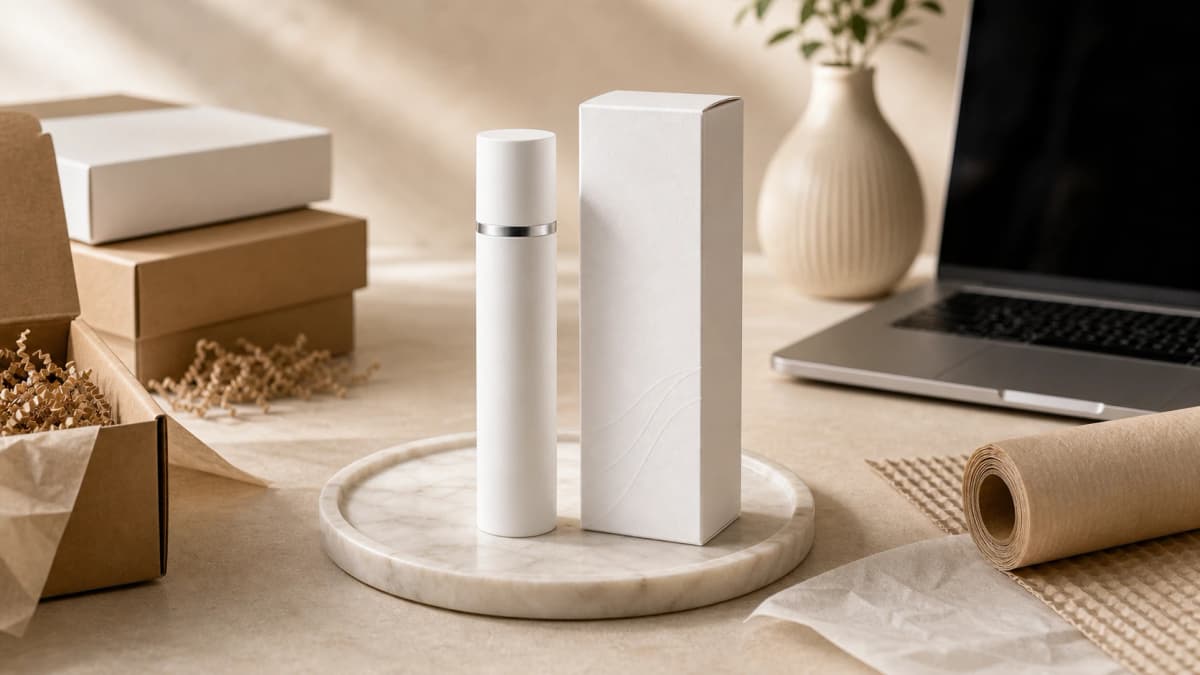
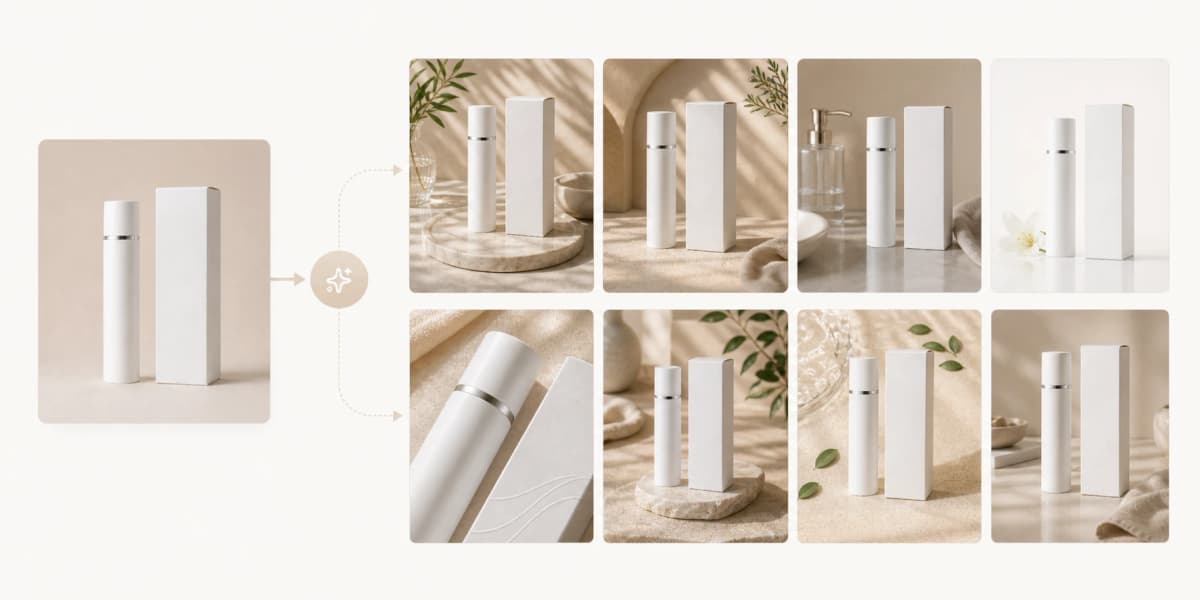
AI product photography helps small businesses create more images with less production overhead. It can turn one source photo into listing images, lifestyle scenes, seasonal campaign visuals, and social creatives.
The important rule is simple: AI speeds up production, but the business still owns accuracy. Review every generated image for product shape, color, label details, included accessories, and claims before using it in ads or listings.
Create a repeatable weekly workflow
A lean workflow keeps image creation from becoming random. Start with source photos, generate a standard listing set, select the best outputs, export channel crops, and store prompts that worked.
This lets a small team launch new products without booking a full shoot for every channel. You can still schedule professional photography for flagship campaigns while using AI for everyday catalog and content needs.
- Capture or upload one clean source image per product.
- Generate a hero, lifestyle, detail, scale, and campaign image.
- Review accuracy before export.
- Save approved prompts and scene notes.
- Reuse the workflow for launches, bundles, and seasonal updates.
Set quality rules before generating at scale
Small businesses often waste time generating too many images without standards. Define what good means first: correct product, readable label, realistic scale, brand-appropriate scene, clean crop, and no misleading props.
Quality rules also make delegation easier. A founder, marketer, or assistant can review outputs against the same checklist instead of relying on vague taste.
- Reject images with distorted labels or changed packaging.
- Reject scenes where scale feels impossible.
- Reject props that imply false features or ingredients.
- Approve images that answer a real buyer question.
Stretch each product image across channels
One approved product image can support a store page, marketplace listing, paid social ad, email feature, and seasonal content. The trick is to generate with channel use in mind instead of treating every output as a standalone artwork.
For example, a square hero image can serve a catalog grid, a lifestyle scene can become a 4:5 ad, and a detail image can support an email section about materials or benefits.
Know when to use a professional shoot
AI is useful for speed and coverage, but it does not replace every shoot. Use professional photography for complex model fit, regulated claims, hero campaigns, press assets, and products where texture or color must be exact under controlled lighting.
A practical split is to use AI for catalog expansion, secondary listing images, quick campaigns, and concept testing, then invest in studio work for the assets that define the brand.
Frequently asked questions
Is AI product photography good enough for a small business website?
It can be, especially for listing support images and lifestyle scenes. The source product must be accurate, and every output should be reviewed before publishing.
How can a small business avoid misleading AI product images?
Use real product source images, reject altered packaging or labels, avoid false props, and compare the generated image against the product customers will receive.
What is the fastest AI product photo workflow?
Upload a clean source image, generate a standard image set, review for accuracy, export channel crops, and save the prompt for future products.
Create product photos with a lean workflow
Generate ecommerce-ready product images for your store, marketplace listings, and marketing channels.