Shopify Product Photos: A Practical Guide to Images That Sell
Learn how to plan, shoot, and generate Shopify product photos for clean PDPs, collection pages, and conversion-focused stores.
Start with the shopping decision, not the camera
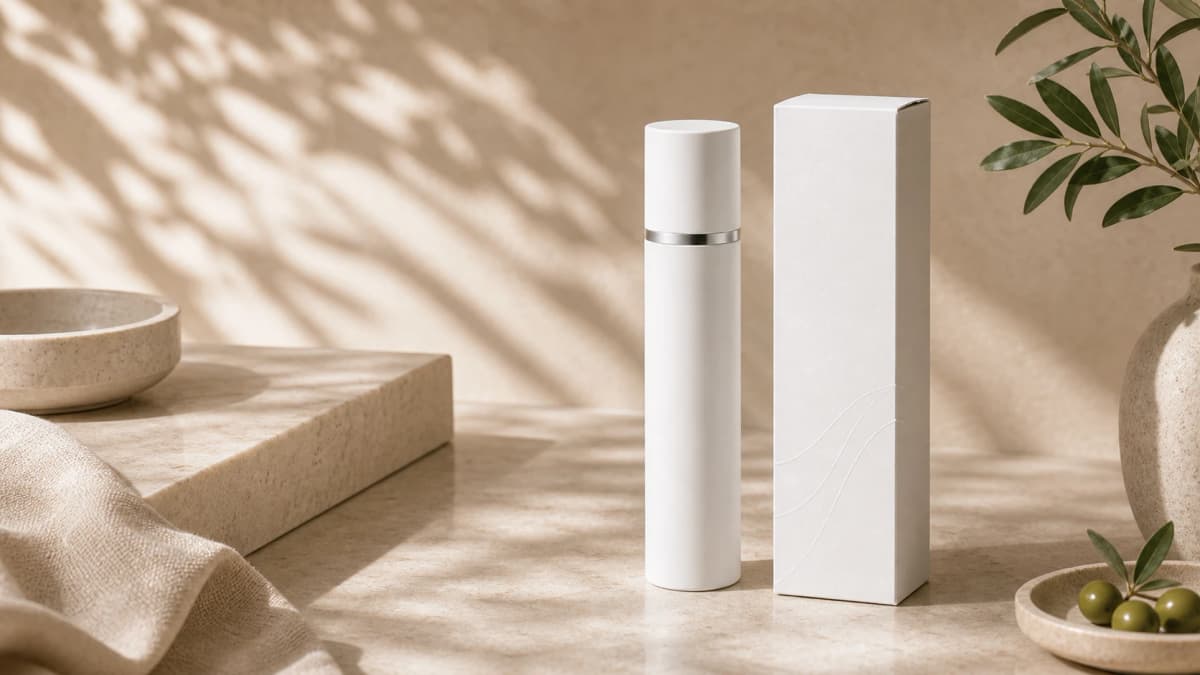
Strong Shopify product photos answer the questions a shopper has before they click Add to cart. The first image should explain what the product is, the next images should prove quality and scale, and the final images should remove doubts about fit, material, or use.
Before you shoot or generate anything, list the objections that usually stop a buyer. For a candle, that may be scent, size, burn time, and giftability. For a skincare bottle, it may be texture, packaging, ingredients, and routine placement.
- Lead with a clear product-only image for collection pages.
- Add one lifestyle scene that shows the product in context.
- Include detail crops for texture, finish, labels, and materials.
- Use a scale image when size is not obvious.
Build a complete Shopify image set
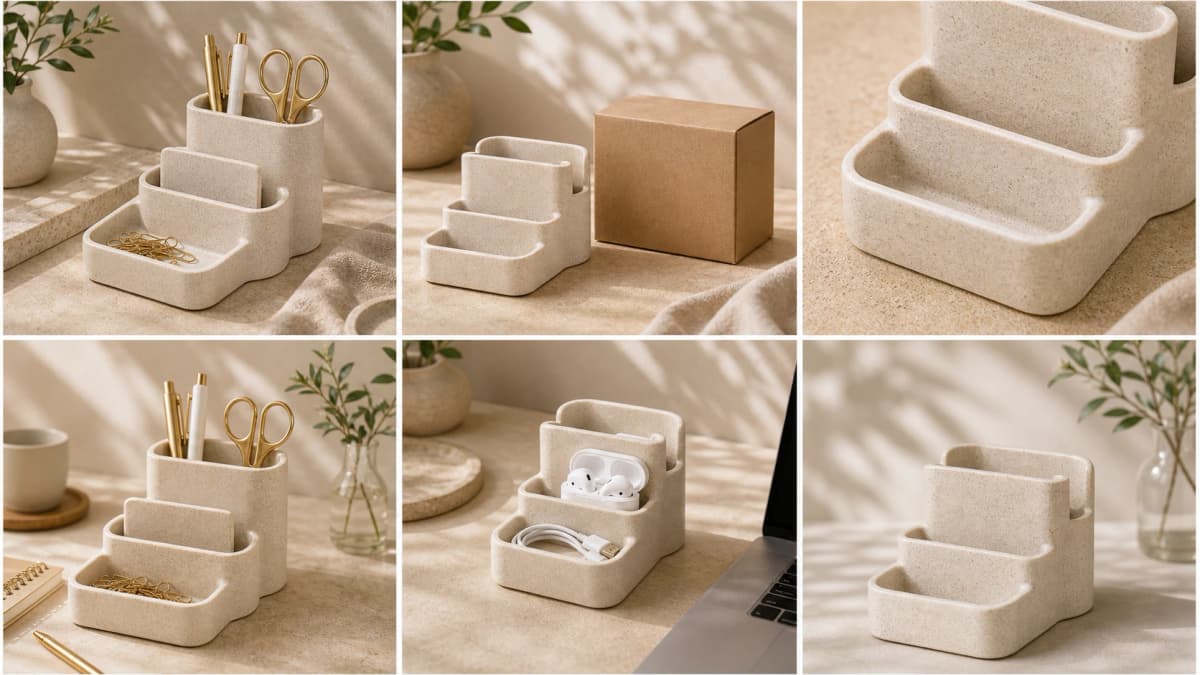
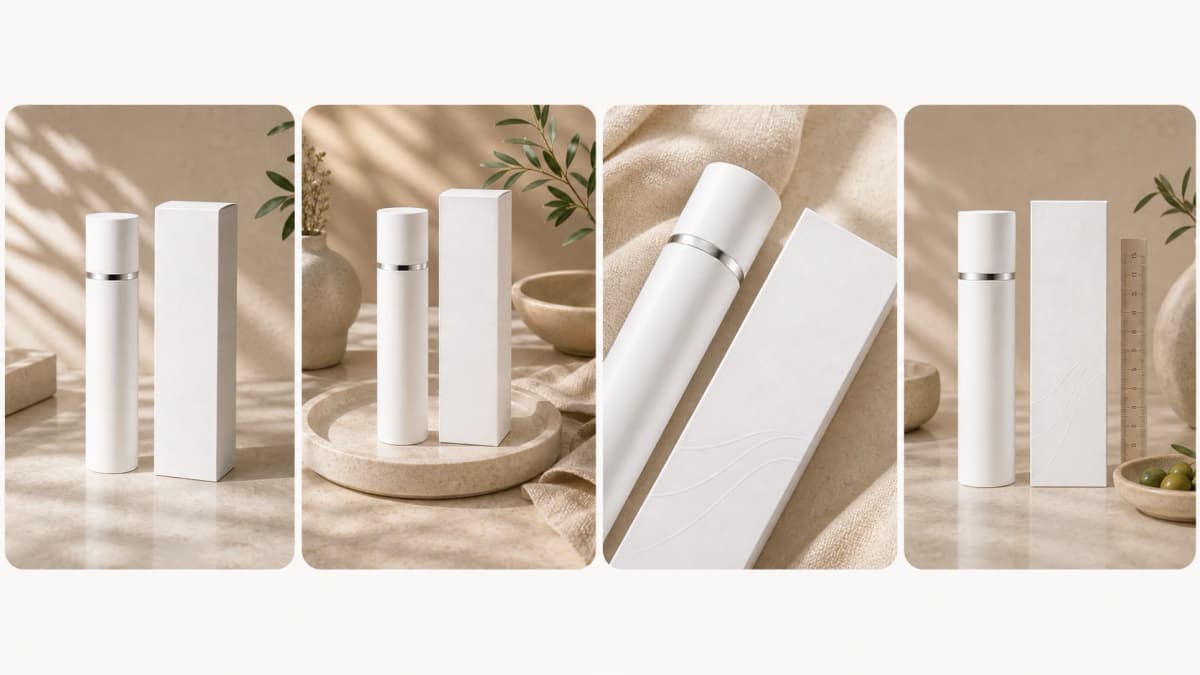
A single polished image rarely carries a full product page. A better Shopify product photo set includes a hero image, a lifestyle image, a detail shot, a scale shot, a packaging or bundle image, and optional use-case variations.
This sequence gives your store consistency while still letting each product feel specific. It also helps with collection grids, social ads, email modules, and retargeting creatives because every image has a clear job.
- Hero: centered product, clean background, accurate color.
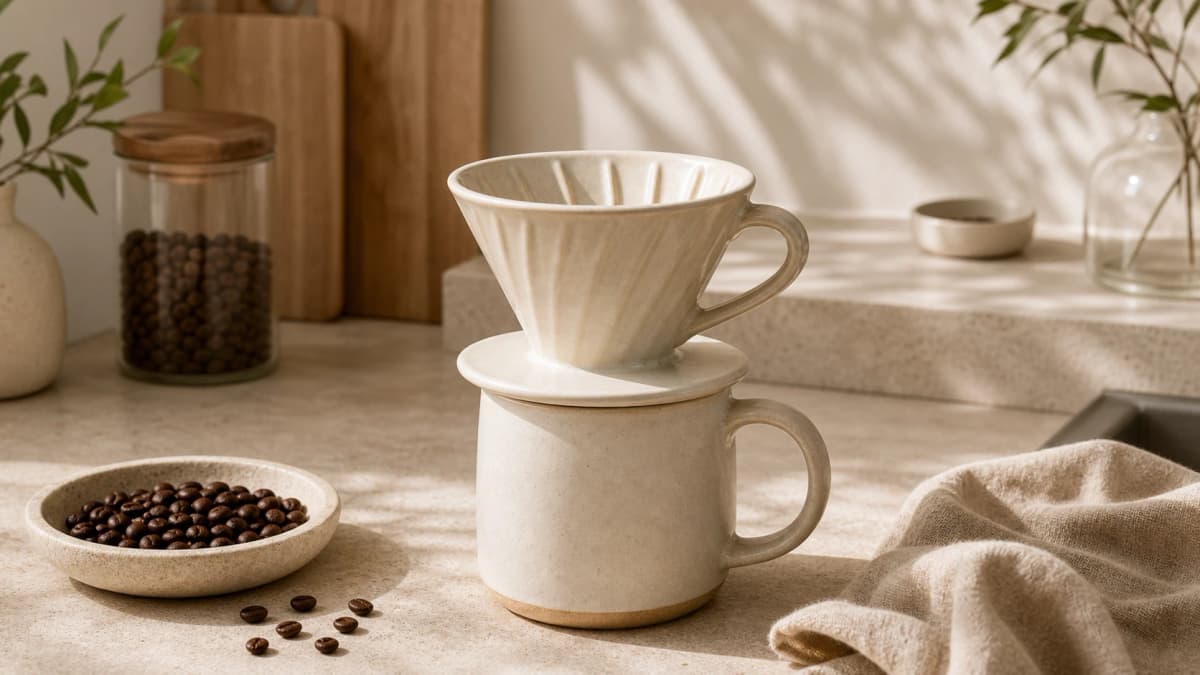
- Lifestyle: real use environment with believable props.
- Detail: texture, stitching, label, surface, or ingredient callout.
- Scale: product beside a hand, shelf, counter, bag, or room element.
Keep backgrounds consistent across collections
Shopify stores feel more premium when collection pages have a stable visual system. That does not mean every image must be identical. It means the lighting direction, crop, margin, shadow softness, and color temperature should feel related.
If you use AI generation, keep a reusable prompt block for your brand. Mention background tone, lens style, light direction, shadow strength, and whether props are allowed. Reusing that block prevents random-looking images as your catalog grows.
Use detail images to reduce returns
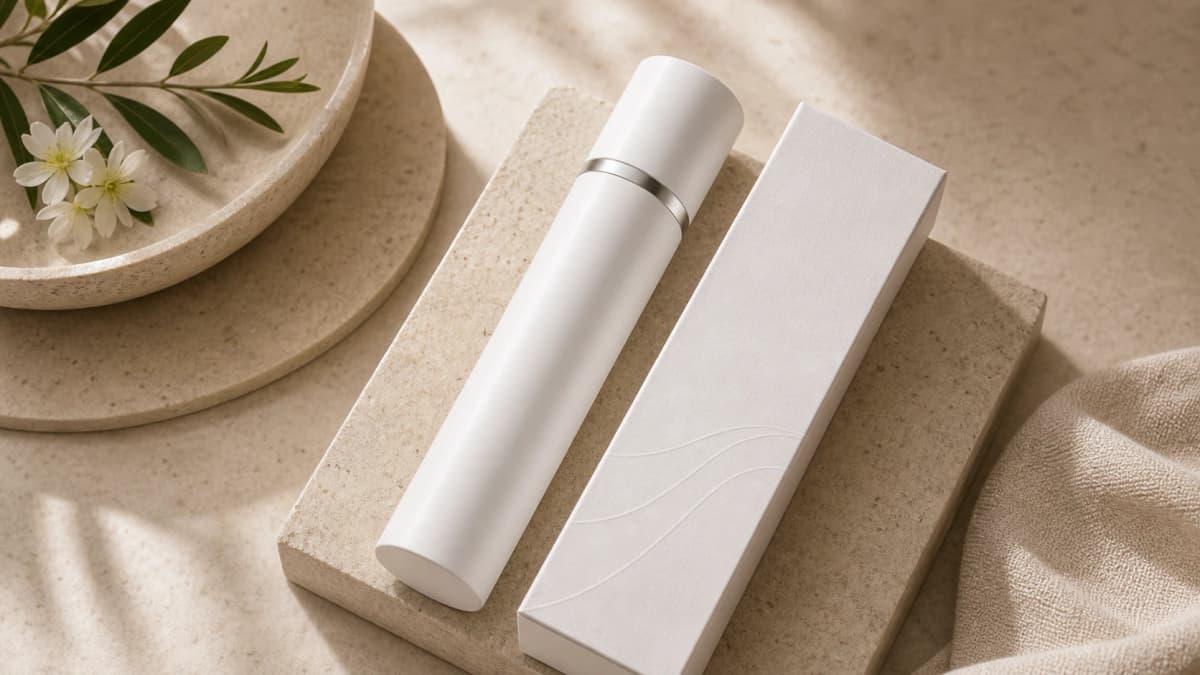
Detail photos are not decoration. They show the evidence a shopper cannot touch: grain, stitching, cap finish, label print, fabric texture, thickness, and edge quality. These images help buyers set the right expectation before checkout.
For AI-assisted product photography, upload the clearest source image you have and ask for a macro-style detail scene only when the visible product features are accurate. Do not invent label text, compliance marks, or material claims that are not present.
- Show one close crop of the most important material detail.
- Use neutral light so texture is visible without harsh glare.
- Avoid fake badges, unreadable label text, and misleading scale.
Export for speed and marketplace reuse
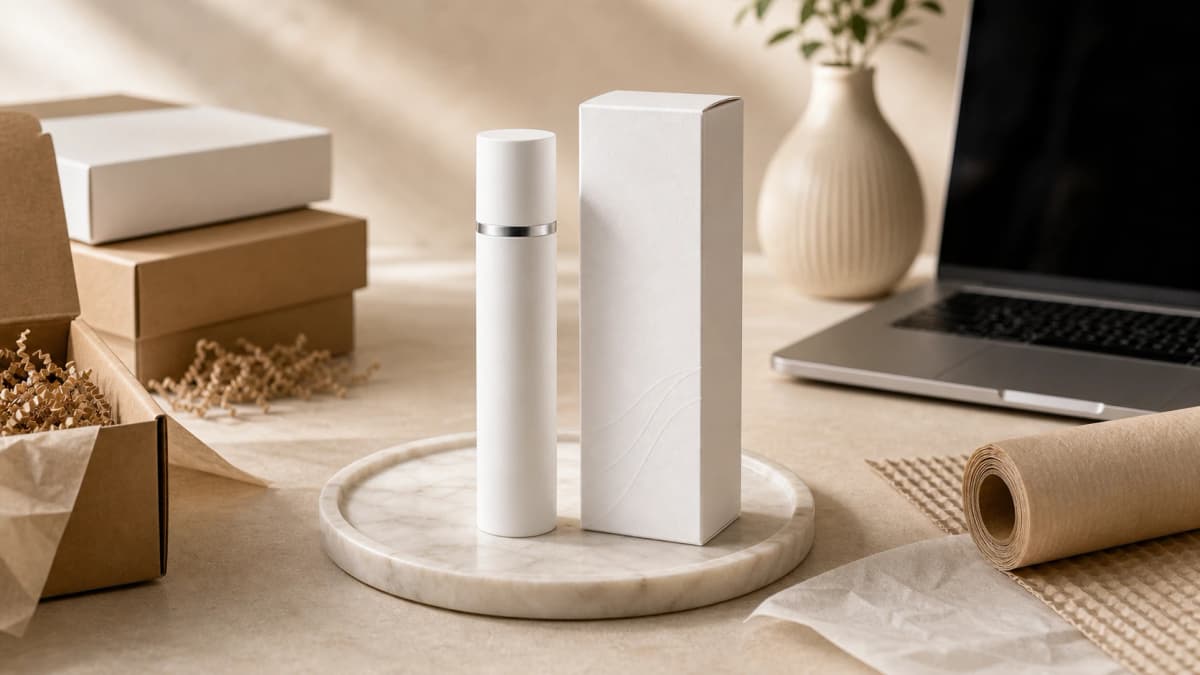
Shopify images should be large enough for zoom but compressed enough to keep product pages fast. A square master image works well for collection grids, while lifestyle images can be cropped into square, 4:5, and 16:9 formats for ads and social posts.
Name files with plain descriptive words, such as linen-tote-front-natural-light.webp. Descriptive names help teams manage assets and can support image search relevance when paired with useful alt text.
Frequently asked questions
How many Shopify product photos should one product have?
Most products need at least six images: a hero image, lifestyle image, detail image, scale image, packaging or bundle image, and one use-case variation. Complex products may need more.
What size should Shopify product photos be?
Use a high-quality square master image for the main product view and export compressed web images. Keep enough resolution for zoom while checking that page speed remains healthy.
Can AI-generated photos be used on Shopify?
Yes, as long as the generated image accurately represents the product. Use the original product image as the source, avoid invented label text, and review details before publishing.
Create a Shopify-ready image set
Upload one clean product image and generate hero, lifestyle, detail, and listing visuals for your store.