Amazon Main Image Requirements: A Seller-Friendly Checklist
Understand Amazon main image requirements and prepare compliant product photos with clean white backgrounds, correct framing, and fewer listing mistakes.
What the Amazon main image needs to do
The Amazon main image is the image shoppers see first in search results, sponsored placements, and the top of the listing. It needs to be simple, accurate, and compliant because it carries both click-through rate and listing risk.
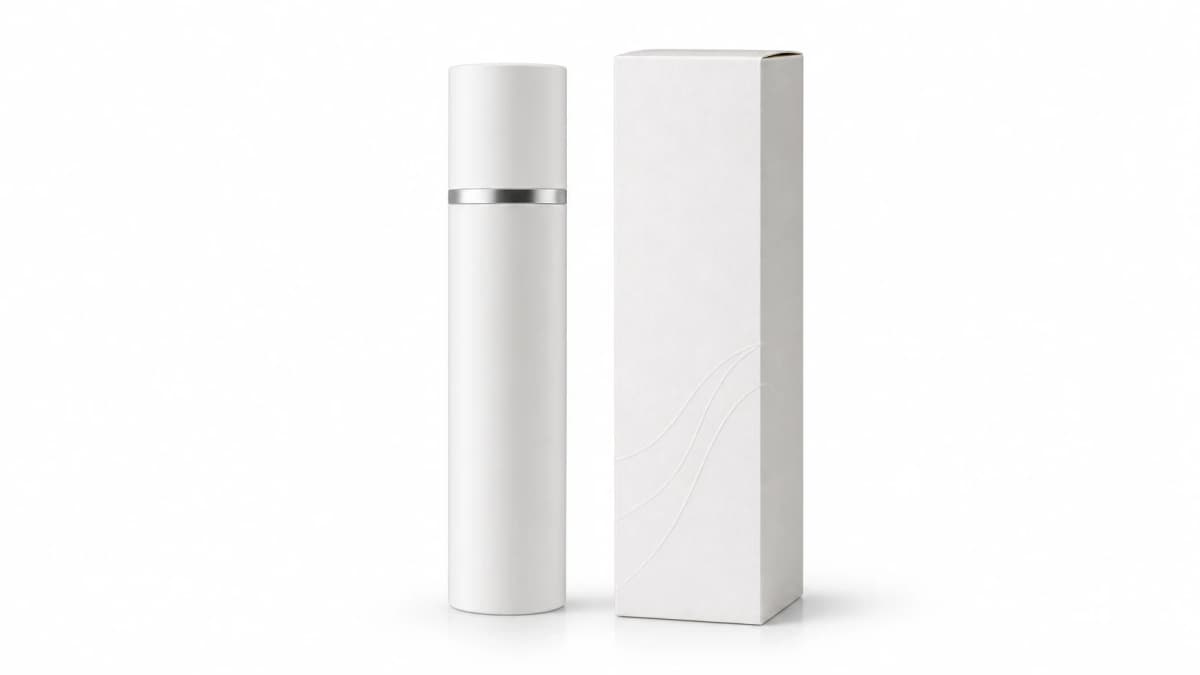
Think of the main image as product evidence. It should show only what the buyer receives, framed clearly, on a white background, with no text, props, watermarks, lifestyle context, or promotional graphics.
Use a true white background and clean edges
For most categories, the main image should use a pure white background. The product edge should look natural, not cut out with jagged outlines or heavy artificial shadows. If the product is reflective, keep the lighting soft enough to avoid strange color casts.
When using AI or background removal, check the entire outline at full size. Small artifacts around handles, transparent packaging, cords, fabric edges, or jewelry chains can make an otherwise strong image look low quality.
- Use the product only, not props or hands.
- Keep the background white and distraction-free.
- Make the product fill most of the frame without clipping.
- Preserve the actual product color and shape.
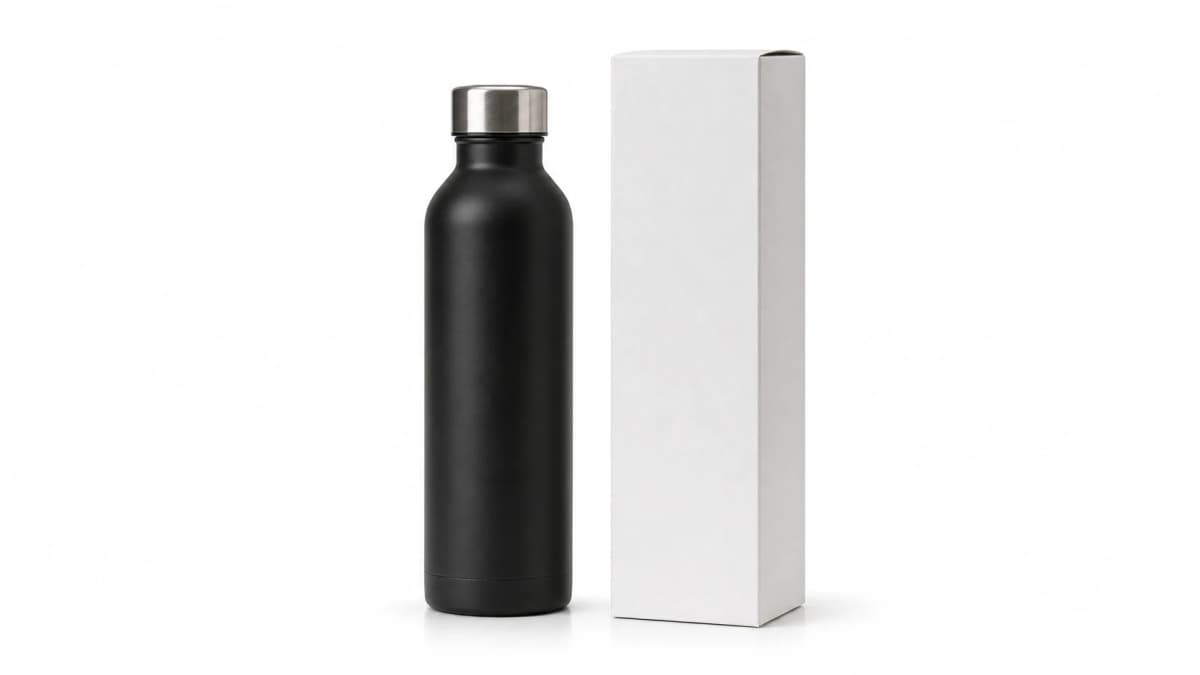
Avoid common main image mistakes
Many sellers lose listing quality because they treat the main image like an ad creative. Text overlays, icons, badges, before-and-after comparisons, packaging claims, and extra accessories can trigger suppression or reduce trust.
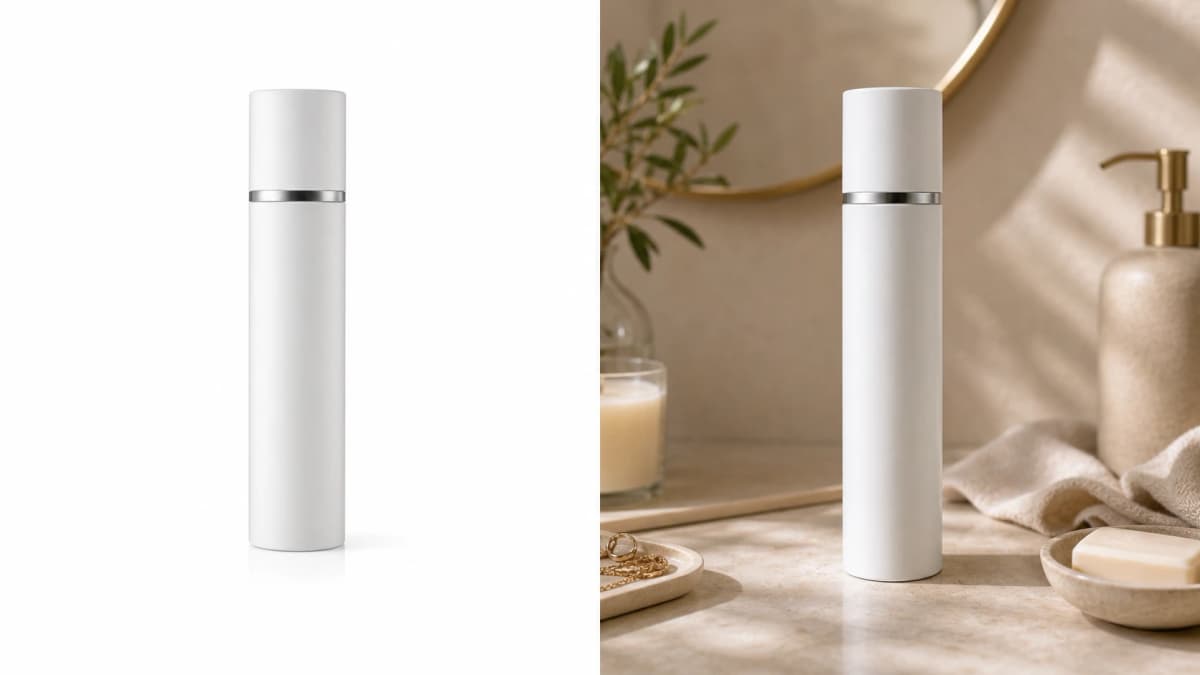
Use secondary images for feature callouts and lifestyle context. The main image should remain quiet and literal. If your product includes multiple items, show only the included items and arrange them in a clean, readable way.
- No sale badges, arrows, or benefit text.
- No lifestyle backgrounds on the main image.
- No accessories that are not included in the purchase.
- No exaggerated size or misleading bundle presentation.
Frame the product for search result visibility
Amazon search result thumbnails are small, so empty space can make your product disappear. Fill the frame enough that the product reads clearly on mobile, while leaving a narrow margin so edges are not cropped.
Tall products, long products, and kits need special attention. Create a square canvas, then test the thumbnail view. If the product is still hard to recognize, adjust the angle or arrangement before publishing.
Use secondary images for persuasion
Compliance does not mean your listing has to be plain. After the main image, use secondary images for scale, use cases, comparison charts, ingredients, installation steps, and lifestyle scenes.
A practical workflow is to create the main image first, then generate a secondary image set from the same source product image. Keep the product consistent across every image so the listing feels trustworthy.
Frequently asked questions
Can the Amazon main image include text?
For most product categories, the main image should not include text, badges, icons, or promotional graphics. Use secondary images for feature callouts.
Does every Amazon main image need a white background?
Most physical product listings use a white background for the main image. Some categories have special rules, so sellers should still check category-specific guidance before publishing.
Can AI help create Amazon-compliant images?
AI can help clean backgrounds, create consistent secondary images, and prepare variations, but sellers should manually review compliance, included items, edges, and product accuracy.
Prepare cleaner Amazon listing visuals
Generate white-background product images and secondary listing assets from one product photo.